Stop Malicious Uploads Before They Reach Your WordPress Website
Learn how malicious file uploads put WordPress websites at risk and discover how Malware Shield WP helps detect, block, and quarantine dangerous files before they can cause damage.
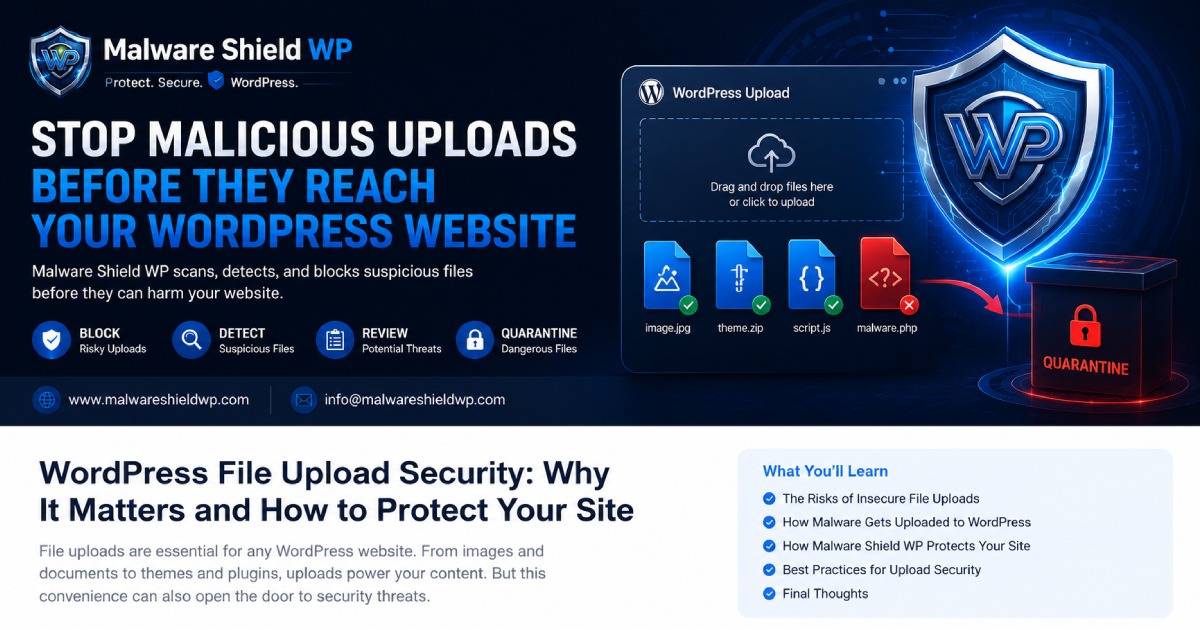
Stop Malicious Uploads Before They Reach Your WordPress Website
File uploads are an essential part of every WordPress website. Whether you're uploading images, documents, plugins, themes, or allowing users to submit files through forms, uploads make managing a website much easier.
Unfortunately, attackers see file uploads as one of the easiest ways to compromise a website.
A single malicious upload can install malware, create backdoors, steal sensitive data, or even take your website offline.
That's why every WordPress website should have an advanced upload protection system.
Why Are File Uploads Dangerous?
Attackers often disguise malicious files as legitimate uploads.
These files may look harmless but can contain hidden PHP code or malicious scripts designed to execute once uploaded.
Common risks include:
Malware infections
Remote Code Execution (RCE)
Backdoor installation
Website defacement
Spam injection
SEO poisoning
Data theft
Without proper protection, one upload is enough to compromise your entire website.
How Malware Shield WP Protects Your Website
Malware Shield WP continuously monitors uploaded files before they become a security risk.
It helps protect your WordPress website by:
Blocking suspicious uploads before they are stored.
Detecting hidden PHP and malicious scripts.
Reviewing potentially dangerous files.
Automatically quarantining infected uploads.
Keeping your website safe without affecting performance.
Why Prevention Is Better Than Cleanup
Cleaning an infected website often takes hours or even days.
It can result in:
Website downtime
Lost visitors
SEO ranking drops
Damaged reputation
Lost revenue
Preventing malicious uploads is significantly easier and more cost-effective than recovering from an attack.
Best Practices for Secure File Uploads
Even with security software installed, you should also follow these best practices:
Only allow necessary file types.
Keep WordPress, plugins, and themes updated.
Use strong administrator passwords.
Limit file upload permissions.
Regularly scan your website for malware.
Install a trusted security solution like Malware Shield WP.
Final Thoughts
Cyber threats continue to evolve, but most successful attacks still begin with a vulnerable entry point.
Protecting your website from malicious uploads is one of the simplest and most effective ways to strengthen your WordPress security.
With Malware Shield WP, you can detect, block, review, and quarantine suspicious uploads before they ever become a problem.
Protect your website before attackers get the chance.
Website: https://www.malwareshieldwp.com
Email: [email protected]