
Stop Brute Force Attacks on WordPress | Complete Login Security Guide
Brute force attacks remain one of the most common security threats to WordPress websites. Learn how to secure your login page and prevent unauthorized access with Malware Shield WP.
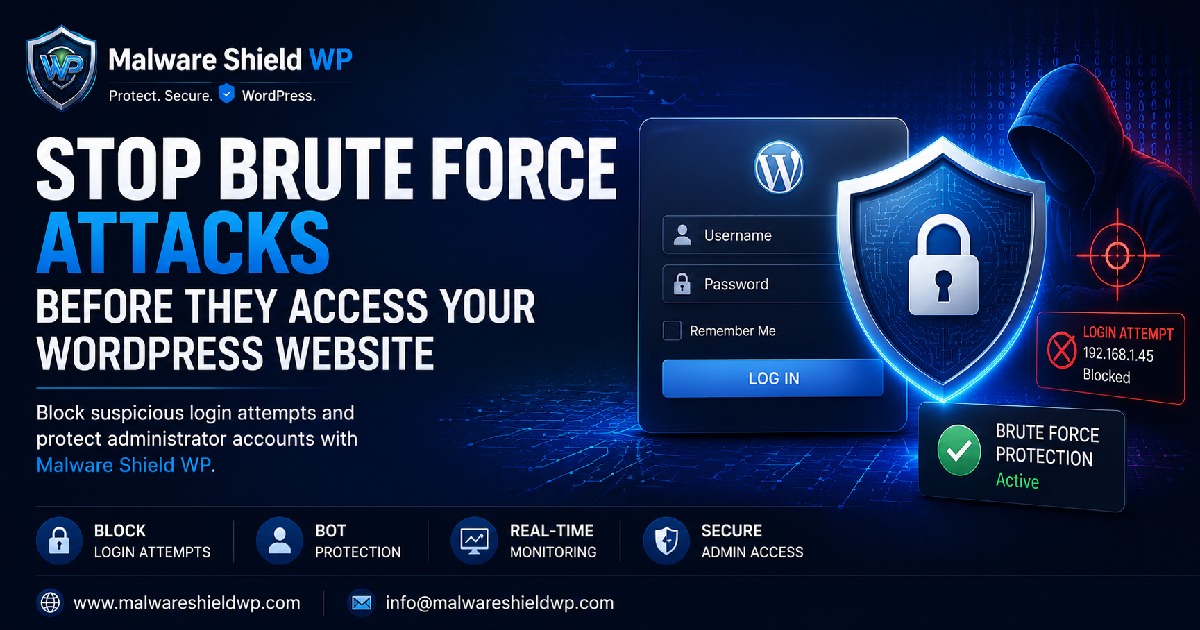
Stop Brute Force Attacks Before They Access Your WordPress Website
Your WordPress login page is the first line of defence against unauthorized access. Unfortunately, it is also one of the most frequently targeted entry points for cybercriminals.
Every day, automated bots attempt thousands of username and password combinations, hoping to gain access to vulnerable websites. This type of attack is known as a brute force attack, and it can affect websites of any size.
Without proper protection, attackers may eventually discover weak credentials, compromise administrator accounts, install malware, or gain complete control of your website.
What Is a Brute Force Attack?
A brute force attack is an automated hacking technique where bots repeatedly try different username and password combinations until they find the correct login credentials.
These attacks require little effort from attackers but can cause significant damage if successful.
Common consequences include:
Unauthorized administrator access
Malware installation
Website defacement
Data theft
Spam injection
SEO ranking loss
Server performance issues
Why WordPress Websites Are Targeted
WordPress powers millions of websites worldwide, making it one of the most attractive platforms for cybercriminals.
Attackers often target:
Weak administrator passwords
Default usernames
Websites without login protection
Outdated plugins and themes
Sites with unlimited login attempts
Without a login protection system, bots can continue trying passwords until they eventually succeed.
How Malware Shield WP Protects Your Login
Malware Shield WP is designed to stop brute force attacks before attackers gain access.
It helps protect your website by:
Blocking repeated failed login attempts
Detecting suspicious login behaviour
Preventing automated bot attacks
Monitoring login activity in real time
Protecting administrator accounts
Reducing server load caused by malicious login requests
This proactive approach helps secure your website without affecting legitimate users.
Best Practices for Login Security
In addition to using Malware Shield WP, you should also:
Use strong, unique passwords
Enable Two-Factor Authentication (2FA)
Change the default "admin" username
Keep WordPress updated
Update plugins and themes regularly
Review login activity frequently
Limit administrator accounts
Following these practices significantly reduces the risk of unauthorized access.
Final Thoughts
Brute force attacks are one of the most common threats facing WordPress websites today.
The good news is that they are also one of the easiest attacks to prevent with the right security measures.
Malware Shield WP helps secure your login page, block malicious login attempts, and protect your administrator accounts before attackers can gain access.
Protect your website before the next attack begins.
Ready to Secure Your WordPress Website?
🌐 Website: https://www.malwareshieldwp.com
📧 Email: [email protected]